Staged September 26: your three edits
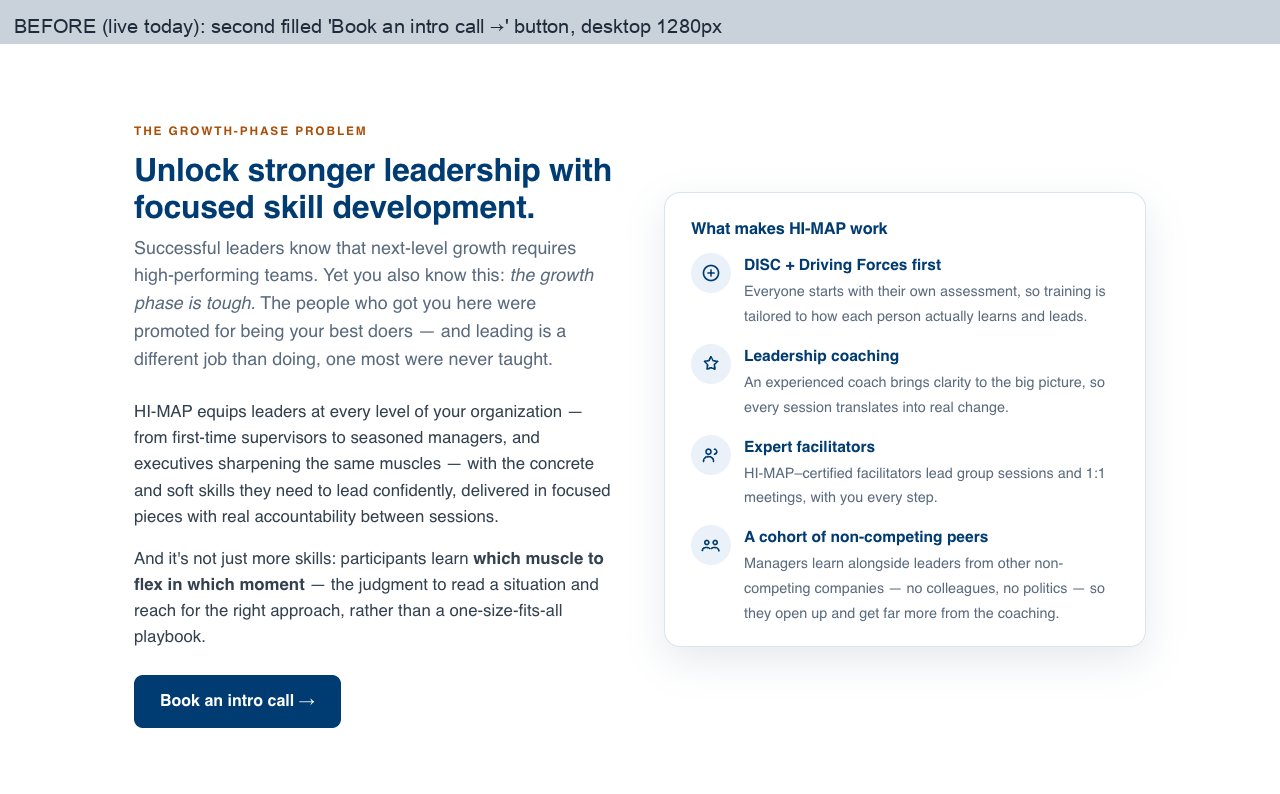
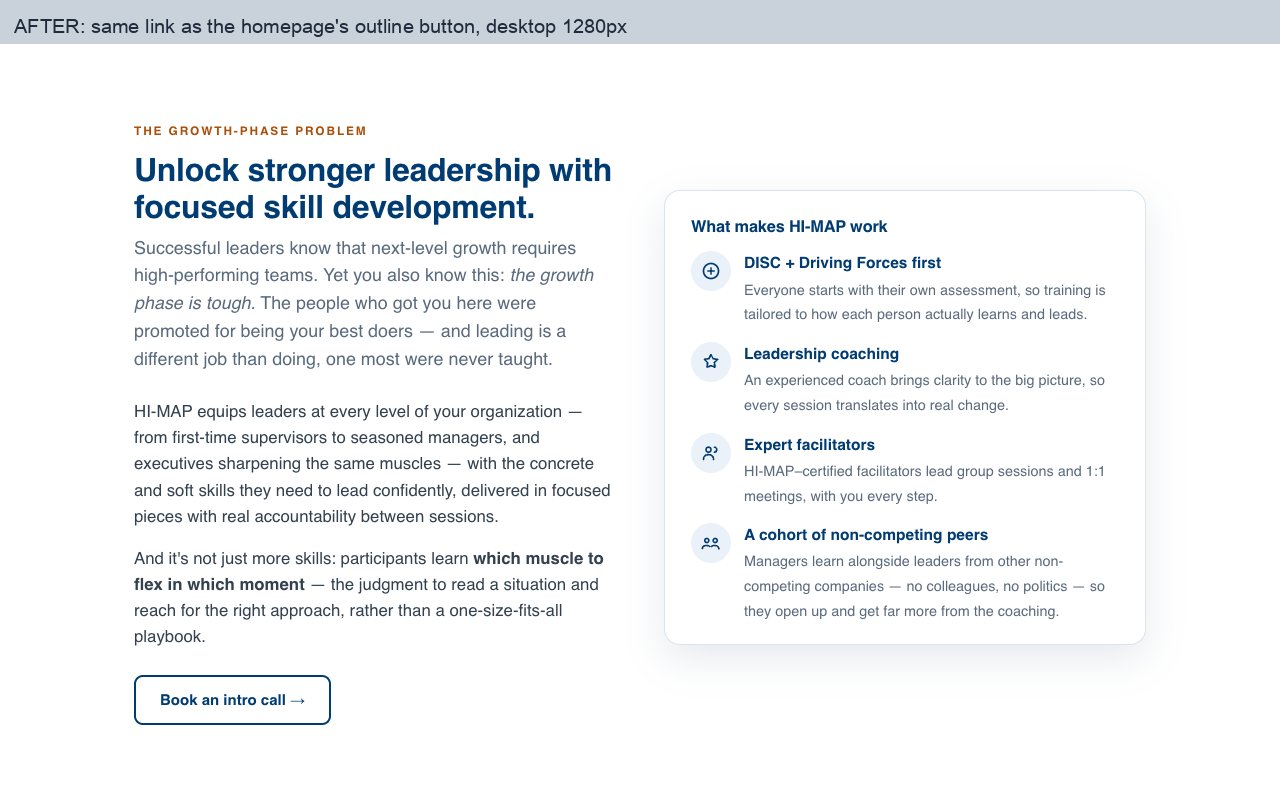
The second "Book an intro call" is now an outline button
Same words, same booking page. It uses the navy outline style from your homepage, so the hero keeps the only filled button. See before and after.
"What kind of results can we expect?"
The email offer no longer mentions the case study
See it on the page (use "Fill sample answers" at the top to jump to it)
The check's email form is switched off in this preview, so nothing you type there is sent. On the staged HI‑MAP page, the edited FAQ answer starts open so it is easy to find.
The approved section
Right after the four Paths
A new section between "The HI‑MAP Formula: Four Skills-Development Paths" and the Kevin Collins story. The check rates the same four areas the Paths build, so right after reading about the Paths, a visitor can see where their own manager stands.
"Where does your manager stand today?"
"Take the free check →"
The button opens your Manager Skills Gap Check. Its results end with a link to book a HI‑MAP intro call, so it leads back to the same goal as your booking buttons. Nothing else on the page is removed.
Before and after
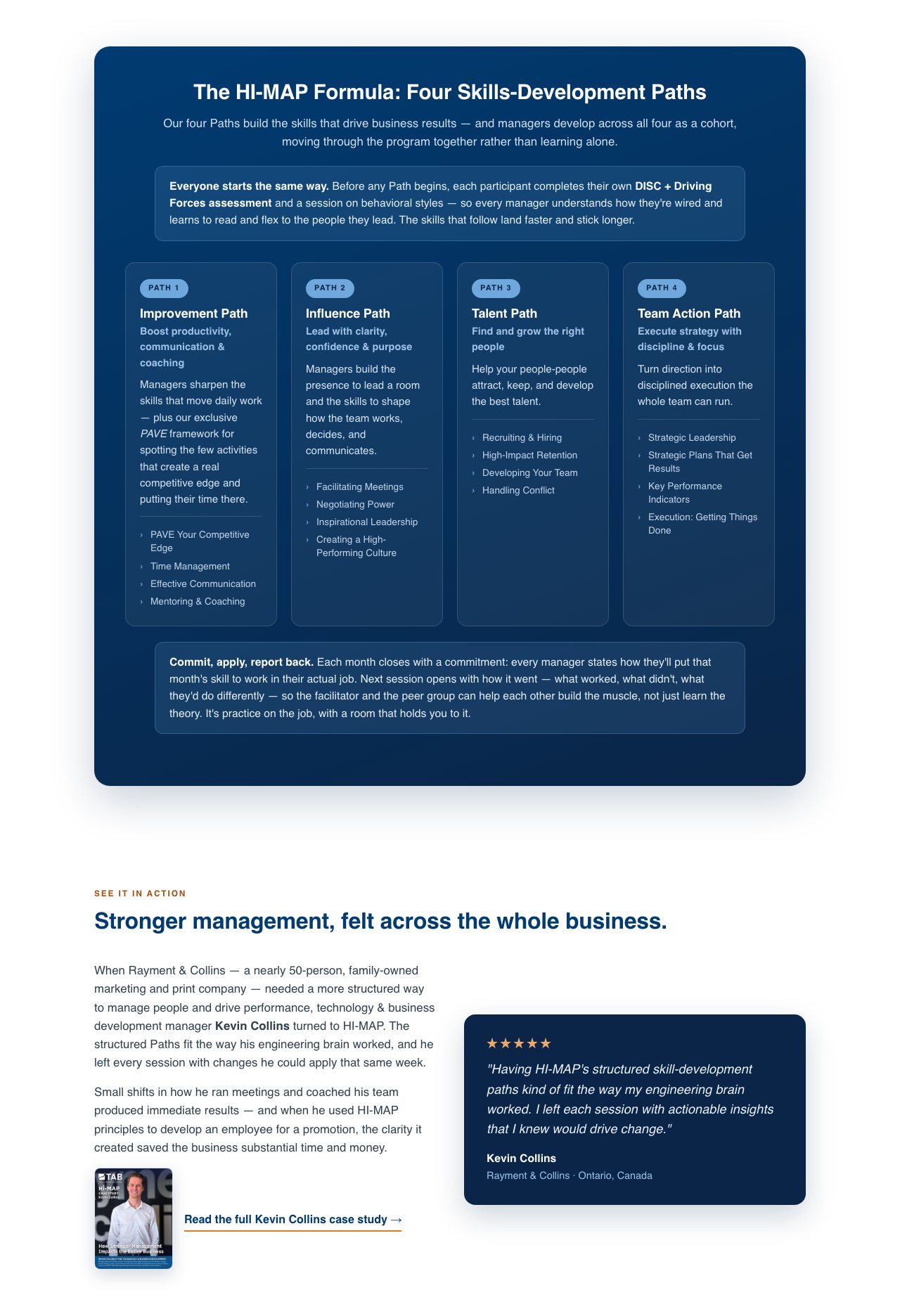
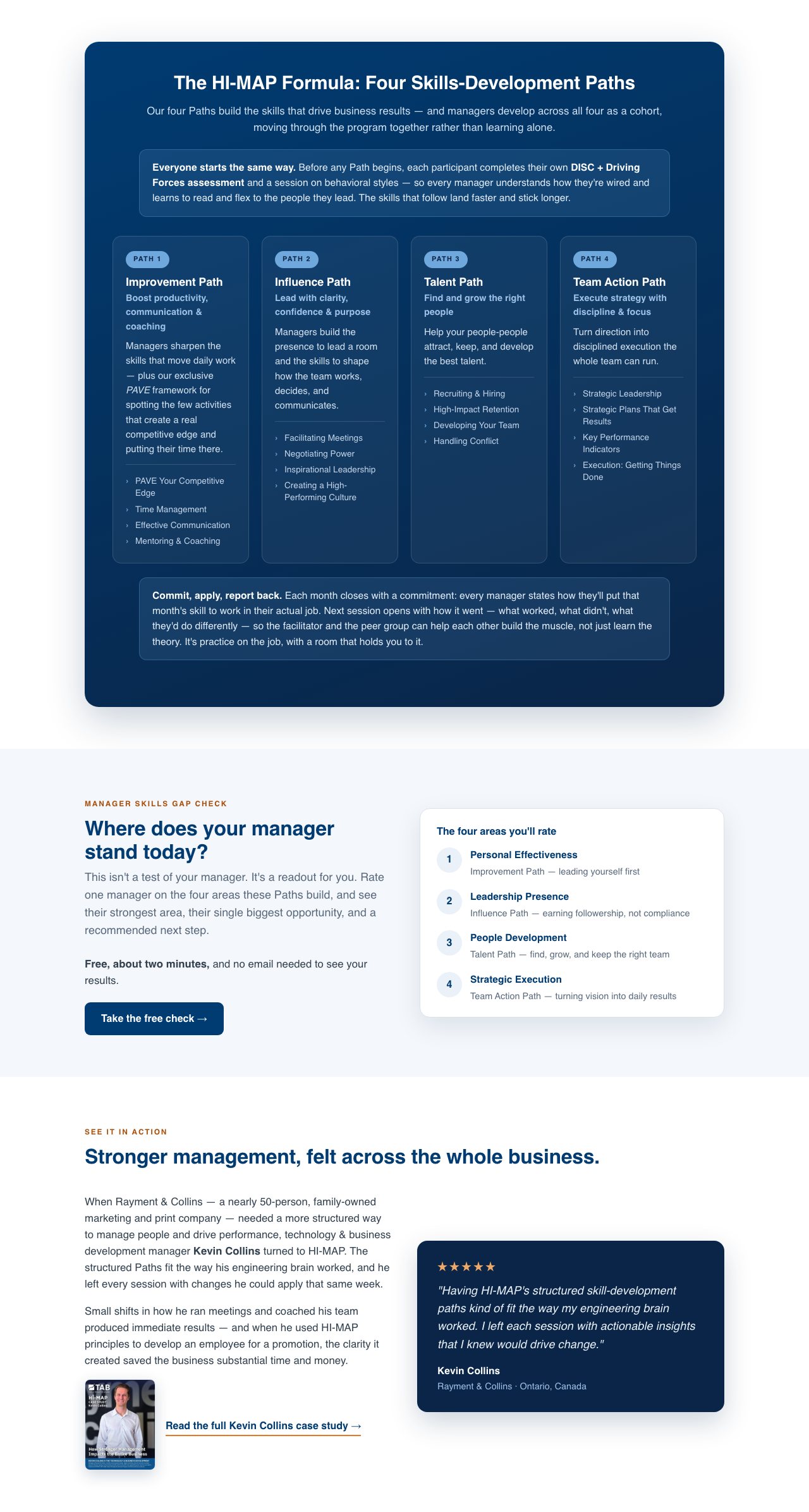
The full staged page is clickable, so you can scroll it and tap "Take the free check" to see where it goes.
Intro button: before and after
The intro section's "Book an intro call →" now matches the outline buttons on your homepage. The words and the booking page are unchanged, and the hero's filled button stays the main one.
Anything else?
Everything above is staged exactly as approved. If you'd like a change, tell your assistant. Nothing goes live until you say go.